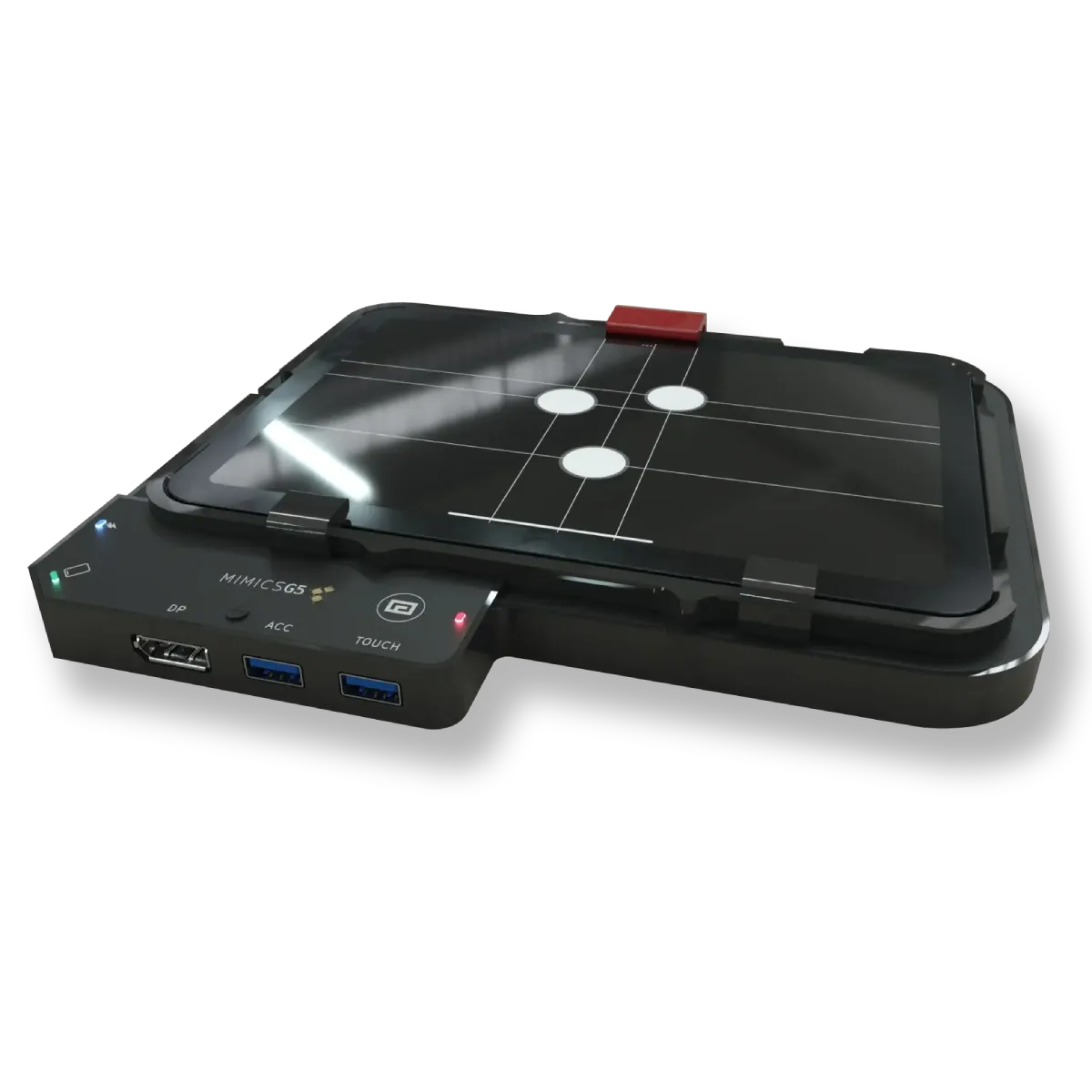
CONNECTIVITY
Stable operation in Wifi congested environments
Ensures reliable connectivity even in challenging wireless conditions.

Maximum touchpoints. Minimum latency.
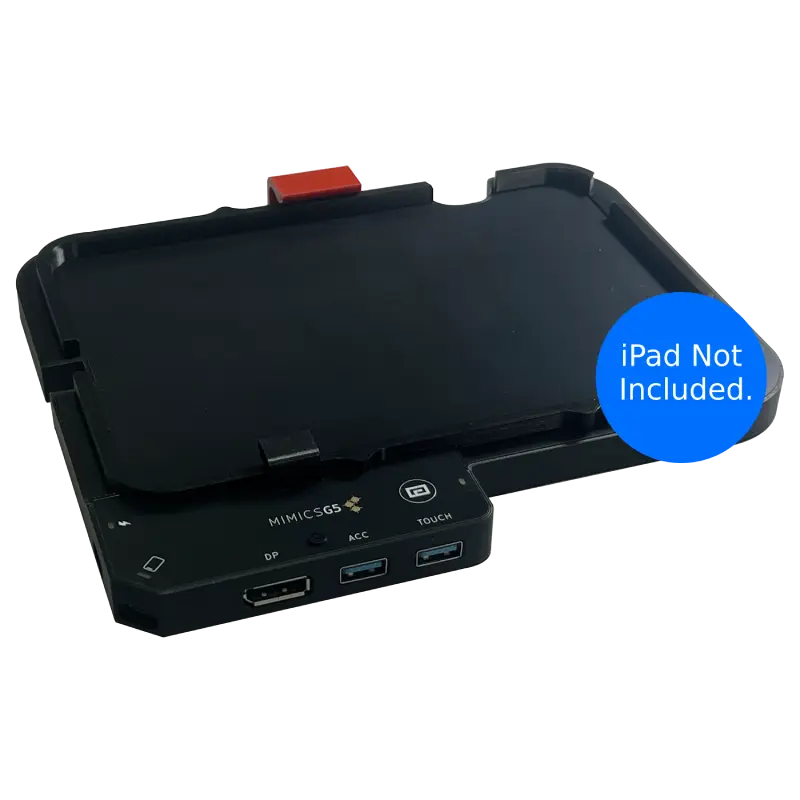
The main connectivity dock with all ports and controls
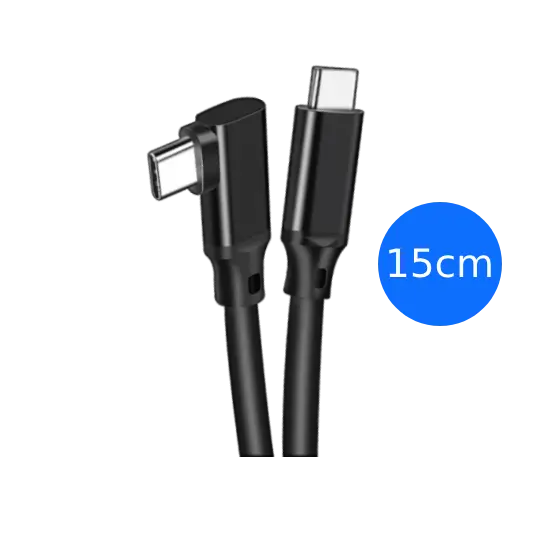
High-quality cable for iPad connection
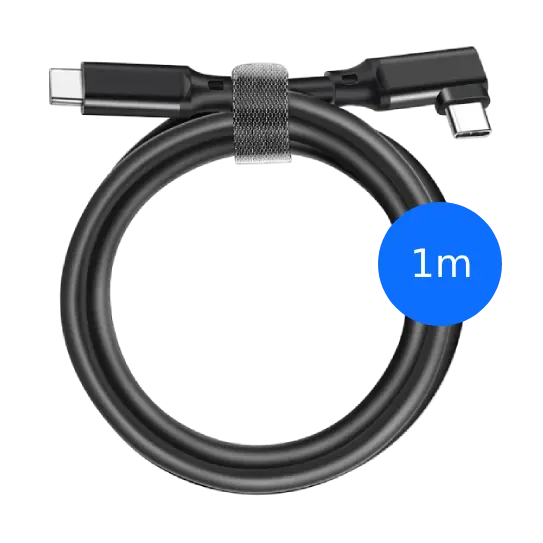
Extended cable for power and iPad charging
Everything you need to get started with your MIMICS G5 is included in the box. No additional purchases required for basic operation. iPad not included.
Everything you need for seamless iPad touchscreen integration.
Ensures reliable connectivity even in challenging wireless conditions.
Provides an intuitive and expansive visual experience.
Designed for peace of mind in public and high-traffic environments.
Connect your favorite peripherals seamlessly.
Simplifies setup and reduces cable clutter.
Allows for easy use of AR and camera-based applications.
Many organisations restrict the devices they allow due to security and compliance requirements.
MIMICS G5 extends iPad-native multi-touch to large displays without introducing a separate computer, operating system, or software layer that interacts with iPadOS.
No drivers. No apps. No wireless pairing. All security enforcement remains entirely within the iPad.
From trade shows and classrooms to retail, accessibility, and creative spaces, get real, responsive multi-touch on large displays driven directly by an iPad.
Reliable touch performance for demonstrations and exhibits.
Interactive lessons using standard iPad apps on big screens.
Responsive displays that work all day without special software.
Large, intuitive touch for easier interaction across abilities.
Expressive multi-touch for artistic and performance apps.
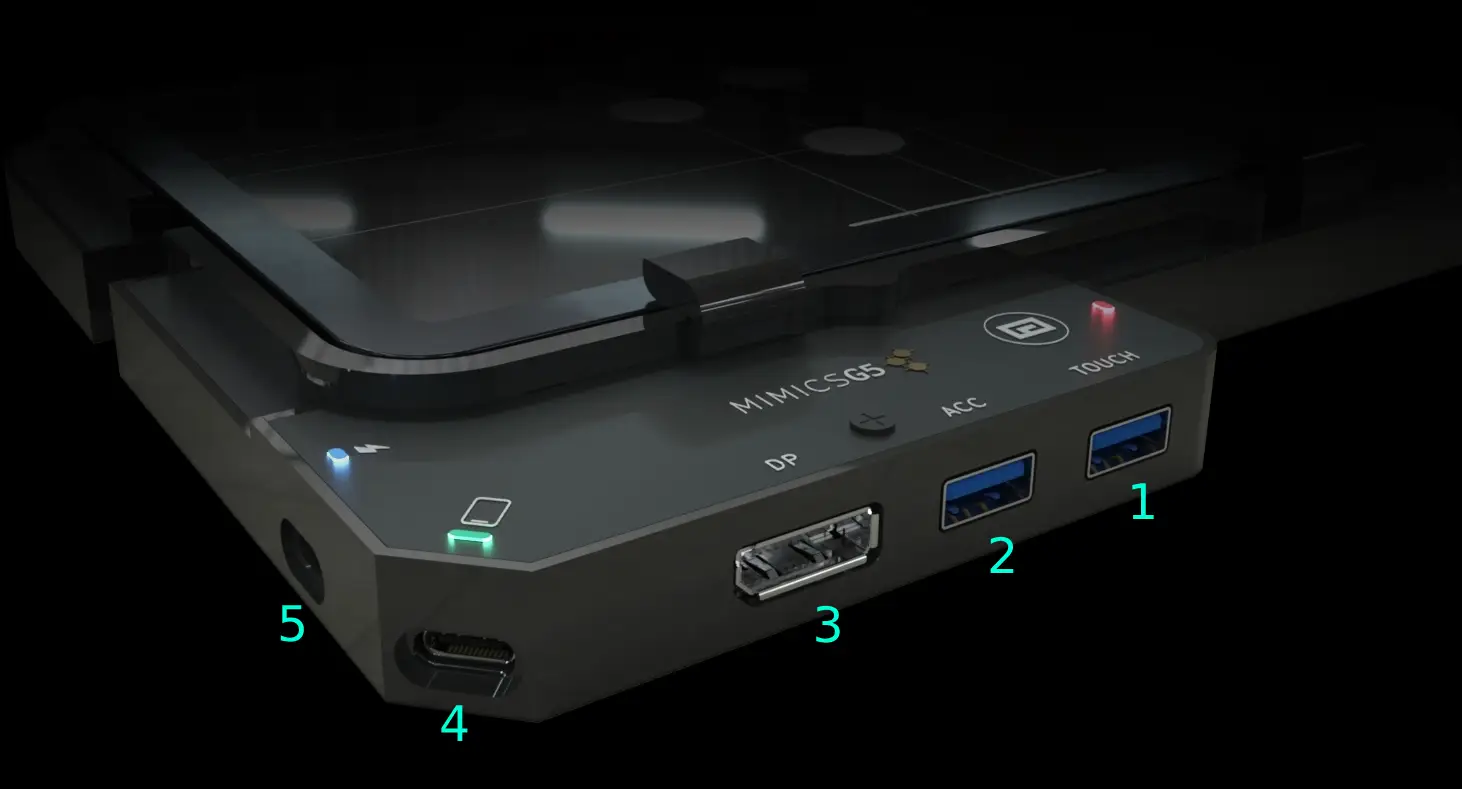
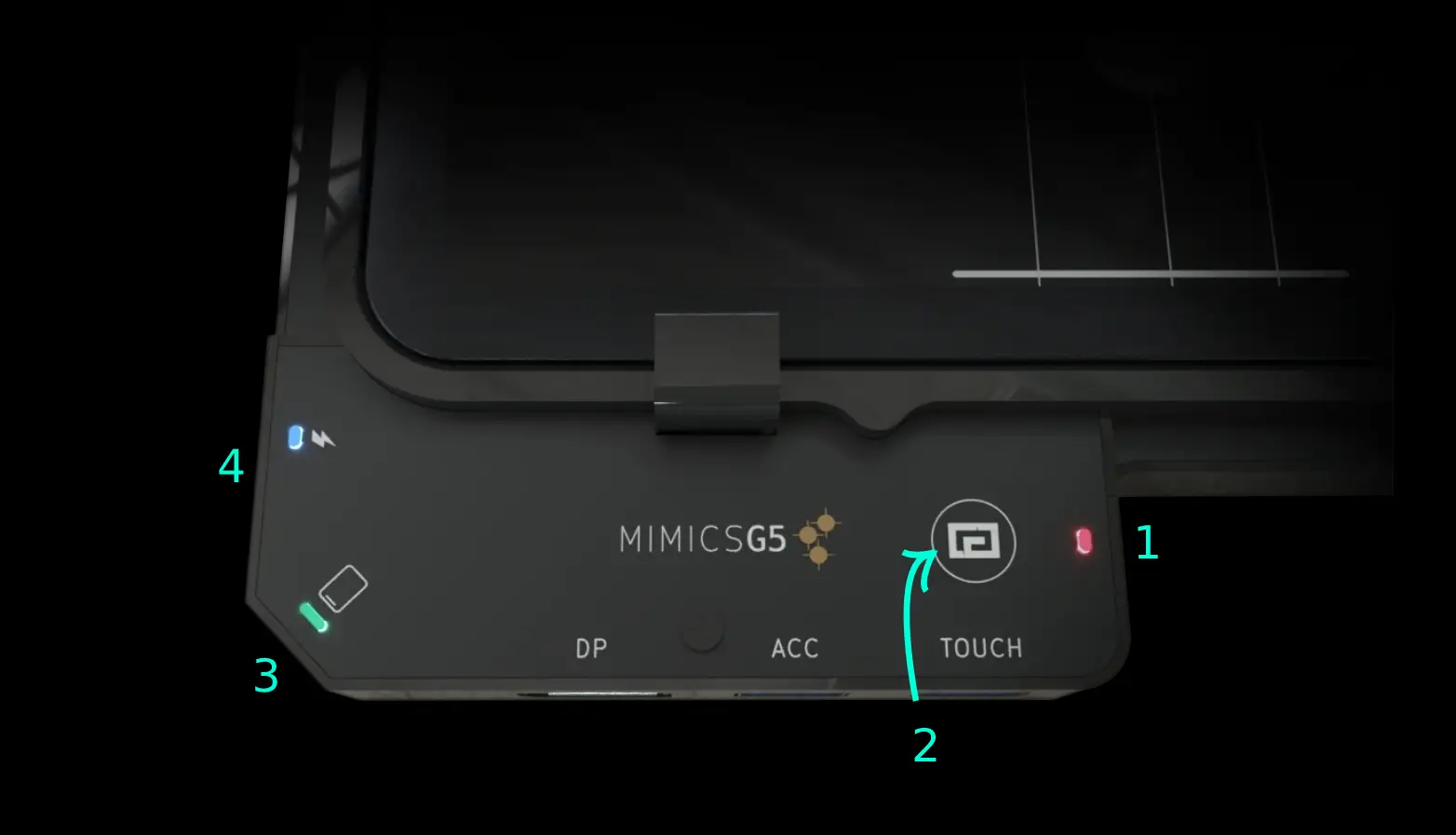
You can connect an iPad to an external display for video, but iPadOS typically does not accept touchscreen input from most external monitors. To get touch working, a system must translate external touch input into a form iPadOS can use.
Adapters and cables can route video and power, but they don't translate touchscreen input into an iPad-compatible touch interaction. MIMICS G5 is designed to bridge that gap so the large display can behave like a touch surface for iPad apps.
In general, apps that already work well with standard iPad multi-touch gestures are the best fit. The goal is for existing apps to behave naturally on a large external touch display without requiring app changes.
No, MIMICS G5 is intended to work without jailbreaks, iPadOS hacks, or per-app modifications.
MIMICS G5 is aimed at large external touch displays and typical iPad display output setups. Because real-world display and touch implementations vary, the best results come from a compatible monitor and a setup that matches your use case.
Yes, if your goal is a large touch display that behaves like a "giant iPad," the key requirement is reliable multi-touch behavior (not just basic single-touch emulation). That's the problem MIMICS G5 is designed around.
If you're trying to confirm whether your monitor + iPad combination can deliver the experience you want, start with the short guide and then jump to the solutions page.
Our support team is ready to help you get the most out of your MIMICS G5
Plug your iPad into MIMICS G5, connect any USB touch monitor, and run the apps you already rely on with full Multi-Touch - no PC, no drivers.
Low-latency gestures feel native on any size screen, from 24″ counters to 98″ walls.